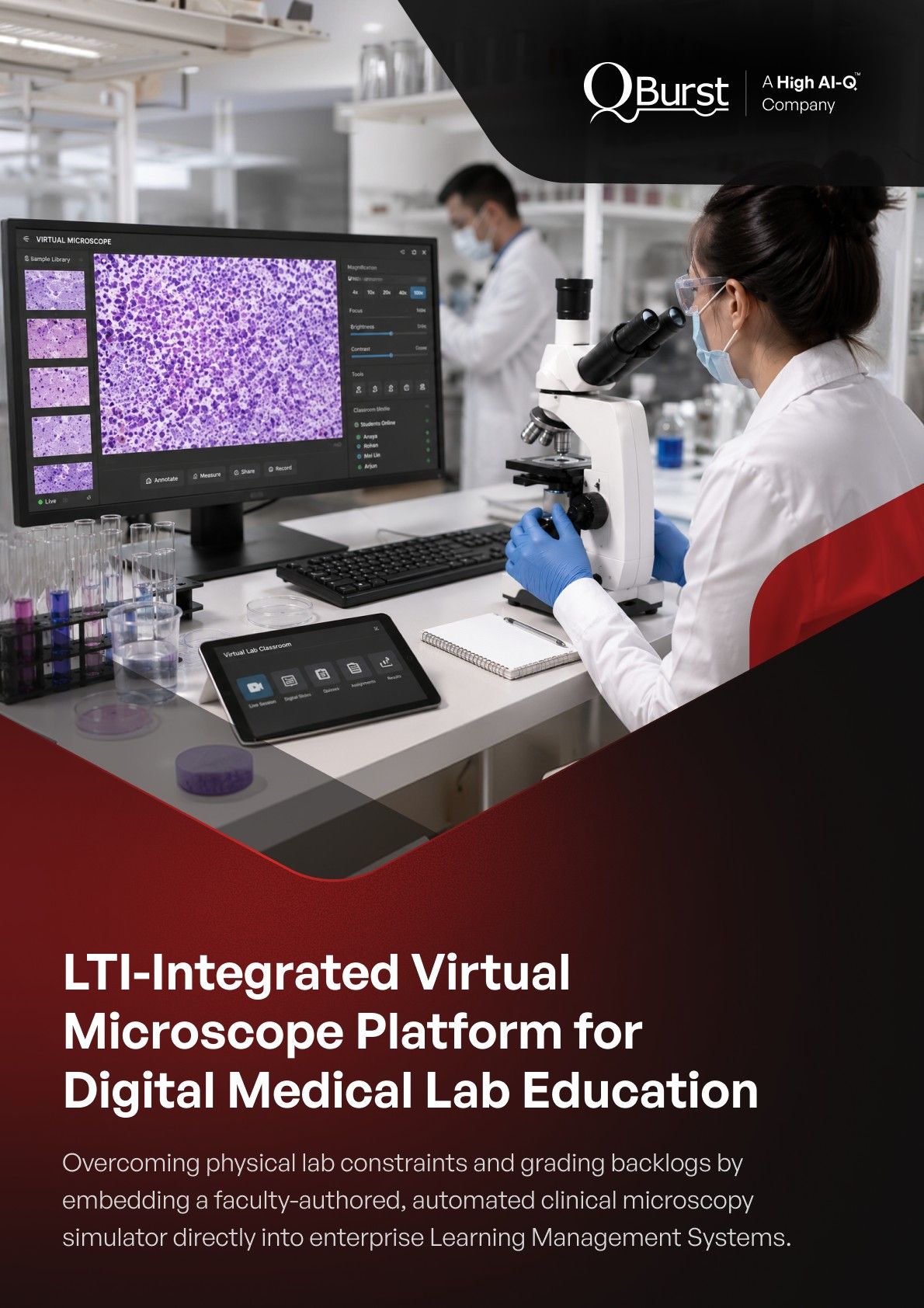
LTI-Integrated Virtual Microscope Platform for Digital Medical Lab Education
Overcoming physical lab constraints and grading backlogs by embedding a faculty-authored, automated clinical microscopy simulator directly into enterprise Learning Management Systems.
Client
One of the premier academic medical centers in the United States, consistently recognized among the top-ranked medical institutions nationwide for excellence in patient care, advanced clinical research, and medical education.
Problem Statement
Physical microscopy lab sessions tightly constrained student study hours, created manual evaluation bottlenecks for teaching faculty, and existed as a fragmented silo unable to interface with the institution's primary Learning Management Systems (LMS).
Industry
Quick Summary
We engineered the Chiimera Virtual Microscope module, a full-stack, browser-native digital lab simulation platform deployed on a serverless-compatible Next.js framework.
- Integrated the global LTI (Learning Tools Interoperability) standard to embed dynamic slide collections and timed assessments seamlessly inside D2L Brightspace and Moodle.
- Eliminated manual evaluation entirely by building an automated grading engine featuring an interactive "Place Marker" coordinate-matching question format unique to digital pathology education.
Client Profile
Operating one of the foremost medical schools in the United States, this prominent academic health system supports thousands of medical students, clinical residents, and expert researchers across vast regional facilities. The organization is deeply committed to modernizing pre-clinical training through technology-driven innovation, standardizing curriculum delivery while reducing back-office administrative burdens.
Challenges: Logistical Constraints and Segmented Learning Tools
Traditional physical microscopy instruction limited curriculum scalability and skewed testing equity:
- Restricted Laboratory Hours: Reliance on physical hardware confined slide study exclusively to scheduled classroom hours, preventing students from conducting independent revision.
- Inconsistent Visual baselines: Multi-variable slide focus points on physical microscopes meant different students analyzed different fields of view, undercutting instruction uniformity.
- Onerous Grading Overheads: Faculty manually scored slide drawings and written lab booklets, redirecting valuable hours away from active student mentorship.
- Authentication & Tool Fragmentation: The lack of integration with the primary LMS forced users to toggle between separate platforms, maintaining disconnected user profiles and login credentials.
- Deficit in Scalable Testing Controls: Instructors had no native system to deploy, time-restrict, or algorithmically evaluate practical slide-based exams, especially for spatial marker identification.
QBurst Solution: An Embedded, Automated Simulation Ecosystem
We designed and deployed a comprehensive web ecosystem utilizing a Next.js (React) frontend with Redux Toolkit state orchestration, backed by a Sequelize ORM and a robust MySQL relational database database layer.
The application unifies digital slide exploration, curriculum authoring, and automated evaluation into an interactive browser environment:
- Interconnected LTI Federation & Automated Provisioning
The module links directly with the client's core LMS instances via the industry-standard IMS Global LTI (v1/v2) specification. Users launch the Virtual Microscope instantly from live course pages using an automated single sign-on (SSO) handshake secured by HMAC-SHA1 request verification. The LTI payload parses role context at runtime, dynamically mapping permissions and auto-provisioning profiles. For Brightspace, an API-driven script syncs student lists continuously to erase manual administrative coordination. - Interactive Feature Annotation & Split-Screen View
Faculty build digital labs by assembling high-resolution image collections from a shared institutional library hosted on AWS S3. Instructors drop annotated Feature Markers directly onto specimens, pairing the coordinate plots with contextual text, imagery, or reference videos. The platform features an independent split-screen mode, allowing students to place two digital slides side by side to perform precise comparative analysis between healthy and pathological tissues. - Coordinate-Based Assessment & Auto-Scoring Engine
To automate practical testing, we engineered an advanced scoring engine supporting multiple question templates, including a highly specialized Place Marker format. Students identify microscopic structures by physically placing a coordinate marker on a live slide canvas. The backend engine algorithmically maps the student's coordinate input against the faculty's validation boundaries, calculating point weights, percentage margins, and partial credits instantly with zero manual intervention.
Key Features and Technical Highlights
- LTI Role-to-Platform Permission Mapping: Translates institutional directory groups cleanly into specialized Student, Instructor, or Admin capabilities.
- Spatial Canvas Coordinate Matching: Interactive annotation layout capable of capturing and grading precise pixel coordinates for microscopy training.
- Full-Text Library Search Architecture: Built-in catalog controls featuring deep-folder structuring and soft-archive/recovery protocols for long-term data governance.
- High-Concurrency Serverless Pipeline: Decoupled server-side API routes scale dynamically to handle high volume traffic during scheduled, cohort-wide exam windows.
- Proactive Sentry Telemetry Monitoring: Integrated structured logging stacks that intercept and notify developers of systemic runtime exceptions instantly.
-1784186601427.png)
Impact
- Unrestricted, On-Demand Lab Training: Removed physical facility dependencies, enabling medical cohorts to practice virtual microscopy at any hour from any browser-equipped device.
- Absolute Instructional Standardization: Every student evaluates identical high-fidelity slide assets with uniform markers, ensuring equitable learning baselines and fairer grading environments.
- Erased Faculty Grading Backlogs: Automated scoring across all question sets—including coordinate-dependent marker placement checks—completely removed clerical grading tasks from the faculty's workflow.
- Zero Onboarding Friction: Housing the tool directly within active LMS portals bypassed the need for software download configurations or secondary student passwords.
- Reduced System Maintenance Strain: Seamless user provisioning and real-time roster synchronizations removed hundreds of manual script interventions each semester.
- Elastic Cloud Architecture: Deploying a serverless-ready Next.js layout over AWS S3 ensures the medical center can scale the platform across new clinical divisions or partner campuses with zero software re-engineering.
Client Profile
Challenges
QBurst Solution
Technical Highlights
Impact