
AI Can Generate Screens, But Who Designs Experiences?

Nowadays, it feels like everyone can design. But can they really design experiences?
To answer that, we have to return to something Steve Jobs said back in 1997: “You’ve got to start with the customer experience and work backwards to the technology.”
It sounds obvious today. But in reality, it took many years for this way of thinking to take root in organizations.
What’s in this article:
- What it takes to be an experience designer in the AI era
- Why faster design output doesn’t necessarily mean better designs
- How QBurst leveraged AI tools in a real design project
- What AI design tools can and can’t do yet
- What this shift means for product teams and decision makers
When I started my design career in 2016, design was still not recognized as a core function, at least in my part of the world. Designers often worked alongside engineering teams, helping them refine interfaces before products were shipped to customers. Over time, I saw that role evolve from a supporting position into a critical one with the emphasis on human-centered design.
Fast forward to today, and the landscape looks very different. Design is mainstream. In fact, an Adobe study found that 73% of companies now consider design a key business differentiator. Everyone has access to design tools. And, with AI in the picture, almost anyone can generate screens in minutes.
This raises a real question: if everyone can design with AI, what does it mean to be a designer anymore?
Design is not a skillset.
It’s a mindset.

When Design Went Mainstream
Many pivoted to design during the pandemic as the field started gaining wider attention. A boom in design schools and short-term design programs across the world has further helped democratize design.
However, I’ve noticed a recurring pattern while talking with hundreds of designers, both as a Top 1% mentor on ADPList and interviewing dozens of designers for roles at QBurst. Many new designers are familiar with design frameworks and methods but find it difficult to adapt them to the problems they are trying to solve. Those who stood out for me during those interactions were the ones who could explain the reasoning behind their decisions, not just the steps they followed to arrive there.
Good design isn’t about following a process mechanically; it’s about choosing the right ways to understand users, their context, and shaping solutions around those insights.
Good design isn’t about following a process mechanically; it’s about choosing the right ways to understand users, their context, and shaping solutions around those insights.
When AI Entered the Design Equation
AI tools have added another interesting layer to the equation, especially as AI adoption continues to grow across organizations worldwide. A recent report from McKinsey suggests that around 78% of organizations now use AI in at least one business function.
Many clients have started visualizing ideas on their own. Proposals and requirements often arrive now with AI-generated screens and flows attached. This leads to some tough questions: If the screens already exist, why do designers need more time? Why are design estimates still high?
Here’s the catch: Generating screens is only the beginning.
The thinking, validation, and refinement behind those screens still take time and skill. Those early decisions carry weight. The cost of getting those decisions wrong often shows up much later as confused users, engineering rework, or products that technically function but fail to create meaningful experiences.
AI certainly helps visualize ideas faster, but designers shape the decisions behind those ideas.
AI certainly helps visualize ideas faster, but designers shape the decisions behind those ideas.

Adapted from ecochallenge.org
Framing the Problem Is Still the Real Work
Prompting is the key to getting good output from any AI tool.
This is why there is a growing demand for prompt engineers across the software industry and why best practices for writing prompts even exist. The better the prompt, the better the output, and this applies to AI design tools as well. Even the tool makers rarely claim you can make great designs with simple prompts.
This is where skilled designers bring real value. They are trained to frame problems clearly, understand context, and guide tools toward meaningful outcomes. When AI is combined with that kind of thinking, it becomes far more powerful than simply generating screens from generic prompts.
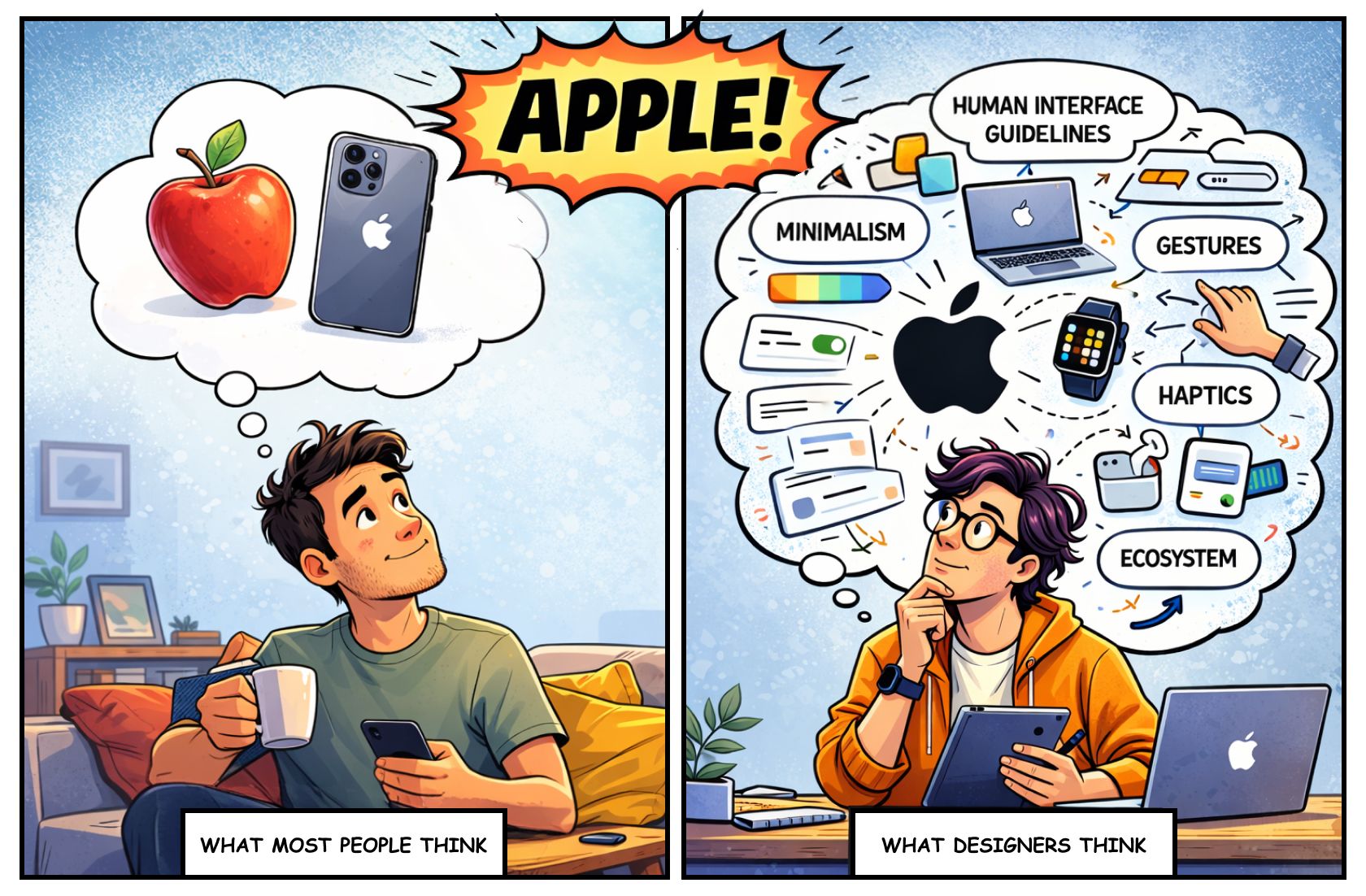
So, What Works?
AI works really well as a companion for designers, especially when it comes to:
Speeding up research synthesis: AI has shortened what used to be weeks-long data gathering—scouring competitor websites, analyzing industry benchmarks, summarizing user feedback, etc. Data backs this up: a User Interviews research report shows that around 90% of UX professionals already use AI during these exact analysis and synthesis stages. This has given designers more time to focus on interpreting the insights and refining their solutions.
Ideation and edge case exploration: Sometimes, designers tend to play it safe because of their past experiences or ingrained assumptions. If they have solved similar problems before, they may fail to see new possibilities because they know what needs to be done. AI has no such constraints. It will easily generate 50 edge cases and alternatives all before you even finish typing your prompt. Not that more is better (can quickly lead to overwhelm), but it does widen the field of possibilities.
Quick visual directions early in the process: Instead of waiting two weeks for a big reveal, designers can use AI-generated visuals to spark conversations during the discovery session. Seeing an early version of the end product helps stakeholders identify what resonates and what feels off, ensuring the team is moving in the right direction.
But like any companion, we have to choose what to take from AI and what to ignore. Not everything it suggests is useful. Some outputs are great starting points, while others are just noise. The responsibility of judgment still sits with the designer.
What Doesn’t Work?
AI is incredibly capable, but there are still areas where human understanding plays an important role in shaping its output—at least for now.
Some of those areas include:
Real user context: AI can analyze patterns and generate suggestions, but understanding lived experiences or how people behave in different environments often requires empathy and observation (This is why designers study their users and feed those insights back into the tools they use).
Accessibility: AI suggestions may look correct on the surface today, but they still benefit from deeper usability and inclusion considerations.
Breaking patterns: AI tends to build on patterns it has seen before. This makes it very effective at generating familiar solutions quickly, but designing better experiences sometimes means questioning those patterns or intentionally pushing them further—a skilled designer’s forte!
Design judgment: AI can generate screens that technically work, but sometimes something still needs refinement. Those moments benefit from human judgment to shape the experience into something that truly feels right (I sometimes find it quicker to jump into Figma or Adobe and shape things the old-school way rather than trying to perfect them through prompts).
Example Time!
Recently, while working on QBurst's corporate website revamp, we defined a set of criteria and asked AI to identify companies that fit those parameters for a competitor study. It quickly expanded our initial list with additional data points and relevant companies that we might have otherwise missed. What would normally involve manually visiting dozens of websites was completed much faster, allowing the team to spend more time analyzing insights.
During the early design phase for the website, we used UX Pilot, a popular AI design tool, to generate what I would describe as high-fidelity “wireframes” rather than finished designs (despite what the tool claims). They did not reflect the final visual direction we had on our minds. But they helped quickly review layout ideas with our service line heads and make sure we were aligned with their vision. It was our UI designers who eventually added their magic to give the site the bold new look it needed.
-1773903267103.gif)
Remember…
Next time you feel tempted to replace design thinking with AI-generated screens, think of it this way: you can paint your house yourself and save some money. But trying to paint a masterpiece is a very different story. That’s where expertise makes all the difference.
AI has lowered the barrier for entry for newcomers and removed a lot of grunt work for old timers, which is a welcome change. But it is also true that AI has raised the stakes for businesses and design studios.
AI can generate possibilities at incredible speed, but human expertise still provides the judgment, strategy, and creativity that shape those possibilities into meaningful experiences. Since AI can spin up endless variations in the blink of an eye, real value lies in knowing which ones to pursue, refine, or discard.
The ultimate test is whether users love or reject what you build. No tool has that built in. That is why starting with the customer experience and working backward, as Steve Jobs advised, still matters.
To return to the earlier question— if everyone can design with AI, what does it mean to be a designer anymore?—the answer is intention. Designers still decide what is worth building, why it matters to users, and how it should evolve. That clarity of intent is the real differentiator.